One command instead of 48. Rollouts in seconds instead of hours.
The automation module of the COD platform, the central network management system, rolls out configurations in bulk via Ansible (an automation tool for IT systems), keeps entire device zones consistent via resync, and schedules maintenance centrally in one calendar, so the monitoring only alerts on genuine incidents.
Configuring every switch port one by one and waving through every planned maintenance as a false alarm in the monitoring costs admin time and undermines trust in the alerts. The COD automation module puts an end to that: it rolls out configurations in bulk via Ansible, keeps entire zones consistent and schedules maintenance centrally, for fewer clicks, fewer typos and a monitoring system that only alerts when something is really on fire.
Bulk port rollout: one command instead of port by port
- Instead of rolling out port by port, COD generates a single rollout command for the entire range (e.g. ports 1/0/1 through 1/0/48 in one go).
- This saves clicks, avoids typos and noticeably speeds up deployments.
- Configurations are rolled out via Ansible directly from COD - without switching tools.
Zone concept with resync
- Devices are grouped into logical zones - matching site, function or tenant.
- A resync brings an entire zone back to its target state in one step.
- Consistency across all associated systems, instead of tedious one-by-one reconciliation.
Readable logs & runner tracking
- No more raw JSON: Ansible output appears formatted and easy to read.
- Every log entry shows its associated runner ID, so every run stays uniquely traceable.
- Traceability that fits KRITIS and audit: who rolled out what, when, and with what result.
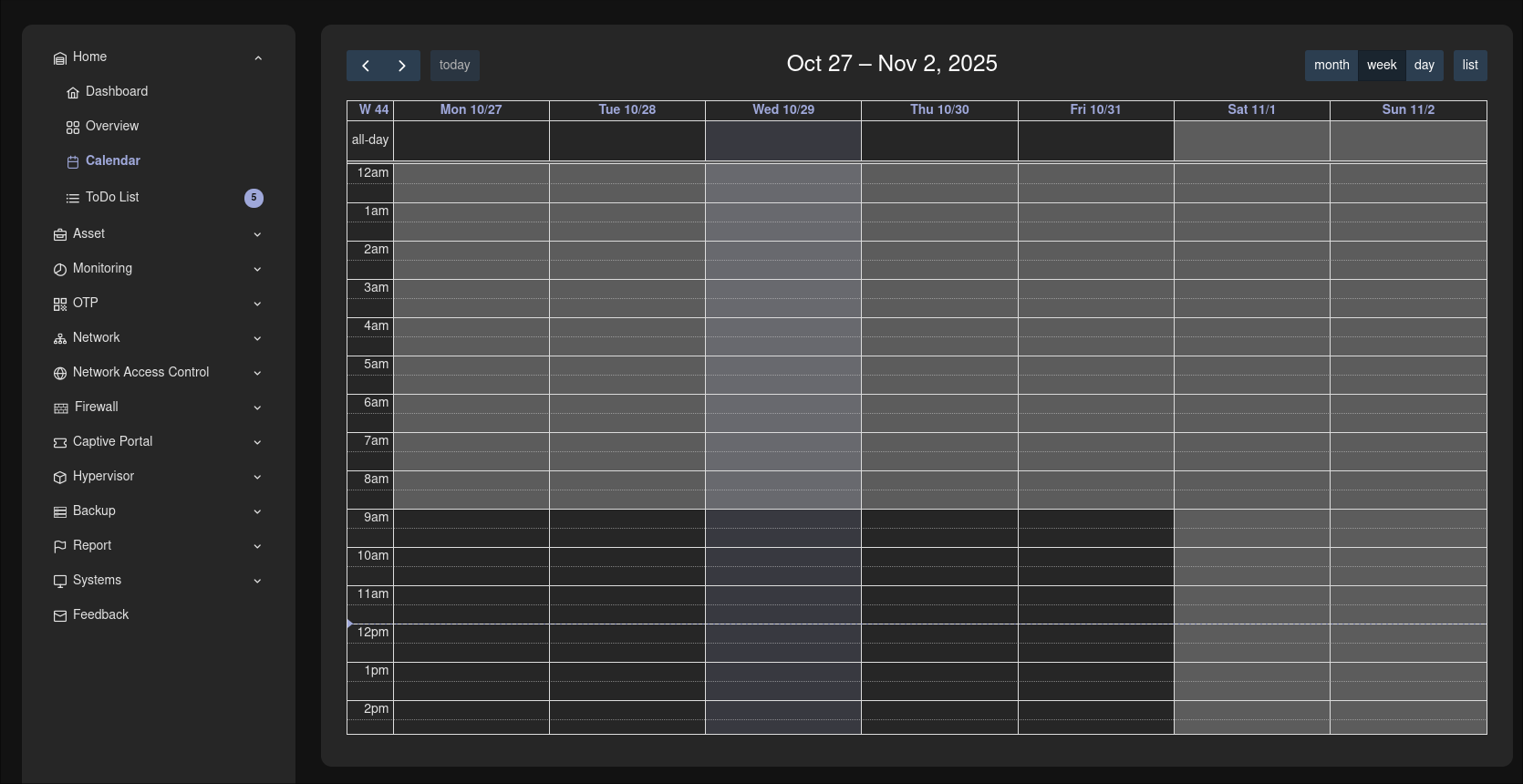
Central maintenance calendar: no alarm without cause
- Planned maintenance is scheduled centrally in the COD calendar.
- During the maintenance window, the monitoring does not fire without reason.
- This lets you reliably tell planned work apart from genuine incidents - and trust in every alert is preserved.
Multi-tenant & on-premises - part of the COD platform
- The automation module is part of the multi-tenant, modular COD platform.
- Fully deployable on-premises - full control of your data, KRITIS-ready.
- A single, living data set: devices and zones from asset management are immediately available for rollouts.
Frequently asked questions
Rollouts in seconds instead of hours.
In a live demo we show you bulk rollout, zone resync and the maintenance calendar hands-on in your own environment, or you download the automation datasheet with all features in compact form.