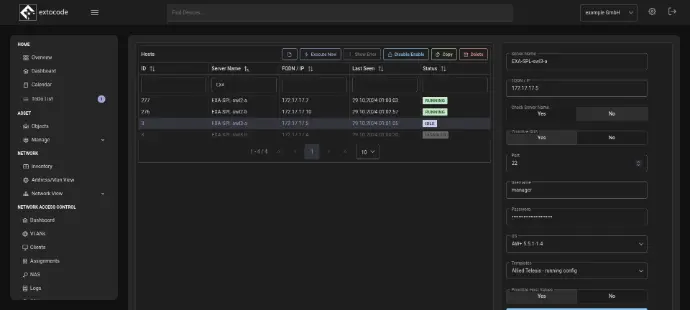
Overview and Objectives
The "Network" module is the heart of infrastructure management.
It visualizes network connections, analyzes VLAN structures, and displays active devices, interfaces, and IP ranges in real time.
The goal is to present complex networks in a clear, understandable, and interactive way, ideal for IT administrators, auditors, or operators of larger network environments.
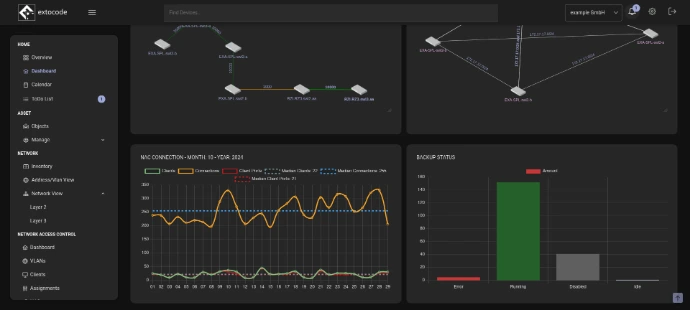
Network and VLAN Management
Via the "Addresses/VLANs" view, all IP networks and VLANs can be managed centrally.
Filters by IP version, interface, or object name enable fast navigation through extensive network structures.
Here you can see at a glance:
- IPv4 and IPv6 addresses including subnets
- Assigned interfaces and object names
- Number of addresses per VLAN
- Sorting and filtering options for precise analysis
This overview forms the basis for all other network views and is fully linked with the Asset and Monitoring module.
Layer 2 and Layer 3 Visualization
The COD module provides interactive Layer 2 and Layer 3 diagrams, which are generated automatically from the network data.
- Layer 2: shows the physical connections between switches, access points, and servers, including link speed.
- Layer 3: maps IP routes, gateways, and subnet connections.
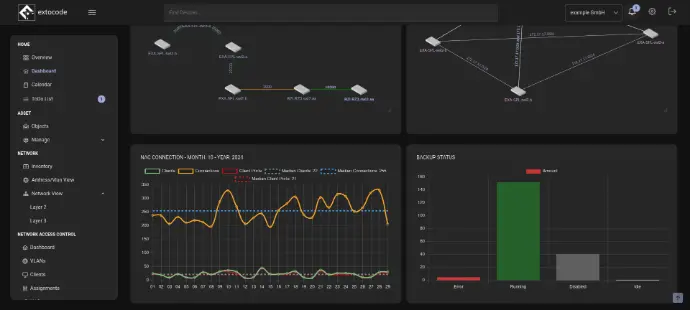
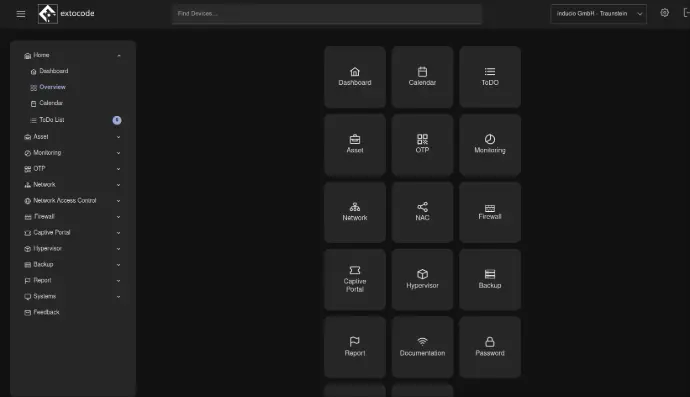
Client Overview & Vendor Dashboard
The Client Overview section provides a complete overview of all end devices detected on the network.
Each MAC address is automatically matched to its manufacturer (vendor), and the corresponding switch port, VLAN, and interface are displayed.
The Vendor Dashboard shows the distribution of vendors across the network in a clear chart view, perfect for analyzing hardware diversity and compatibility.
This lets you see at a glance how many devices from, for example, Cisco, VMware, or Allied Telesis are active.
MikroTik Integration
For networks with MikroTik systems , COD provides a direct interface for viewing router information, interfaces, and resources (CPU, RAM, HDD).
The integration runs via API and is seamlessly embedded in the COD dashboard, with no additional tools required.
Auth/Port Profile Management: Central Control Over Your Switch Configuration
The Auth/Port Profile system enables efficient management of authentication and port configurations through predefined profiles. This innovative approach reduces configuration errors and significantly speeds up the deployment of new network connections.
By using profiles, network administrators can ensure consistent configurations across the entire infrastructure. The system supports complex authentication scenarios while still providing the flexibility for the specific requirements of individual ports or device classes.
Intelligent Profile Creation and Management
Create Profiles
Define Auth and Port profiles with specific configuration parameters for different device classes and security requirements.
Bulk Rollout
Deploy profiles to one or many ports at once, drastically reducing provisioning time.
Automatic Updates
Changes to profiles are automatically applied to all assigned ports, ensuring consistency and keeping everything up to date.

Preconfigured Templates for Immediate Productivity
The system ships with an extensive collection of preconfigured templates that reflect best practices for a variety of network devices. Specially optimized profiles are available for access points in particular, covering typical configuration requirements.
- Access point configurations with VLAN assignments
- Devices with specific power and connection settings (e.g., PoE/PoE+)
- Endpoints with network traffic prioritization (QoS)
- Network segmentation to isolate device groups
Comprehensive Logging and Monitoring
Detailed Change Logs
Track every configuration change with precise timestamps, user information, and detailed descriptions of the actions performed.
Success and Error Reports
Receive comprehensive reports on successful deployments as well as detailed error messages when problems occur during configuration.
Automatic Backups and Disaster Recovery
Security Through Automation
The system automatically creates backups of all port configurations before every change. This proactive security strategy enables fast recovery in the event of unexpected problems or faulty configurations.
The recovery function offers granular control over individual port settings. Rollback operations are performed with a single click, minimizing downtime and reducing operational risk.