Manage VMware networks centrally - and save up to 50% on license costs
The COD Hypervisor module (COD stands for Central Operations Dashboard) is the central management system for your VMware networks and consolidates vSwitches (virtual network switches) and port groups across multiple vCenter instances in one multi-tenant interface.
Growing VMware environments often mean endless “cluster hopping”: clicking through vSwitches and port groups one by one, across multiple vCenters, always with the risk of divergent configurations. The COD Hypervisor module consolidates your entire virtual network administration in one multi-tenant interface - configured uniformly, in sync cluster-wide and rolled out instantly.
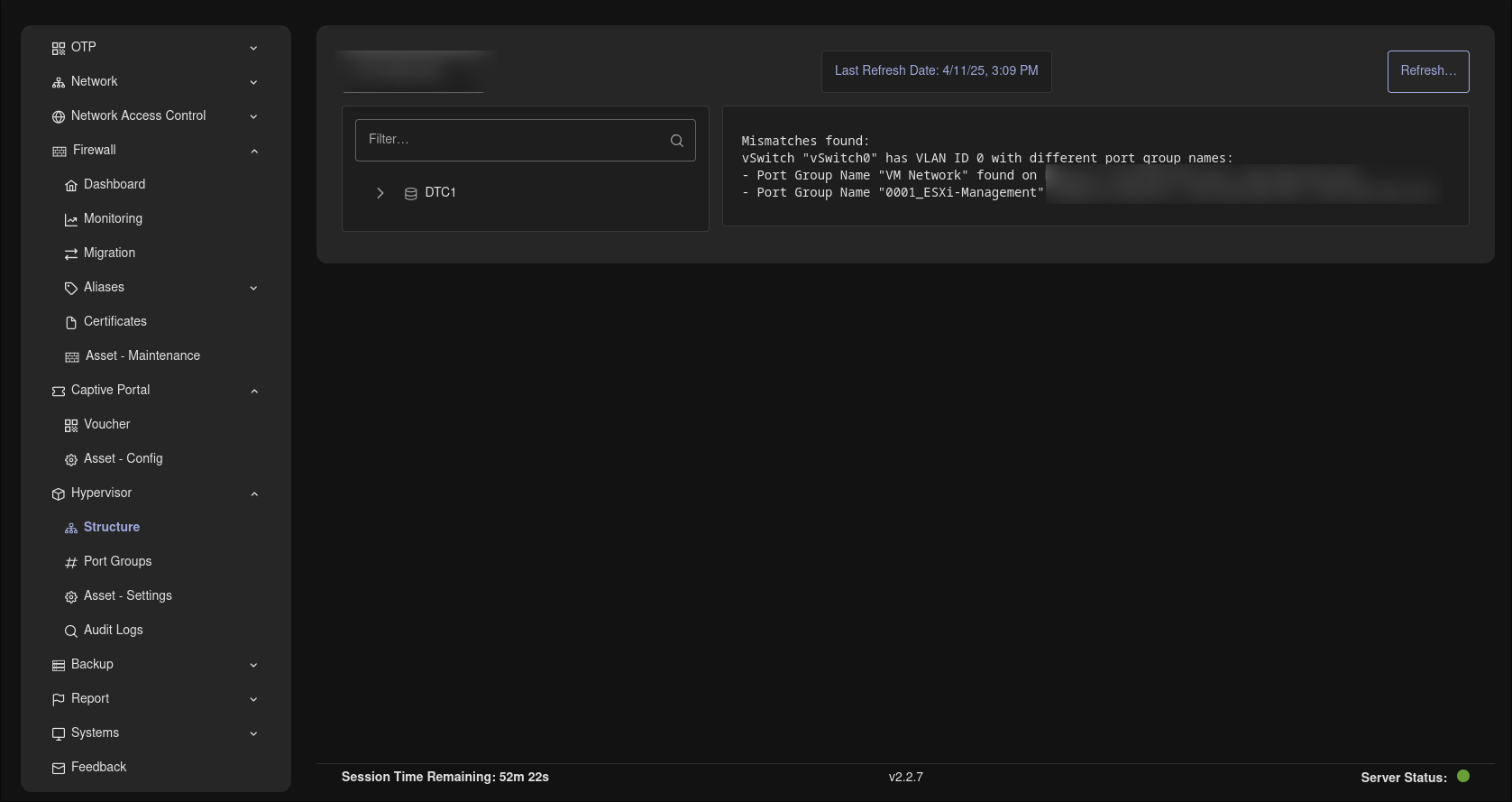
One interface for all virtual networks
No more switching tools: control all virtual network switches and port groups in one place - centrally, consistently and without detours.
- Manage all vSwitches and port groups centrally instead of individually per host
- Uniform configuration across the entire virtual infrastructure
- Fewer clicks, fewer sources of error, more time for what matters
Multi-tenant and multi-vCenter
Whether multiple customers, sites or departments - the Hypervisor module manages several tenants and vCenter instances at the same time, seamlessly under one interface.
- Keep several vCenter instances in view in parallel
- Multi-tenant - ideal for complex environments distributed across sites
- Clean separation where it is needed - a shared view where it helps
Graphical Layer 2 view
A clear graphical depiction of your VMware network environment makes visible the connections that stay hidden in lists.
- The Layer 2 view shows how your virtual networks are actually connected
- Spot optimization potential at a glance
- Understandable visualization instead of tediously reconciling scattered settings
Flexible security, rolled out instantly
You adjust security policies flexibly - and see the effect immediately. Thanks to real-time configuration, changes are applied instantly and cluster-wide.
- Adjust security policies centrally
- Changes are rolled out instantly and cluster-wide
- Your networks stay consistently at the current protection level
Enterprise-grade control - at the standard price
The module deliberately closes the feature gap between vSphere Standard and Enterprise in the area of virtual network administration. Automatic synchronization makes manual alignment unnecessary.
- The comfort of an Enterprise license - on the basis of the Standard Edition
- Automatic synchronization instead of manual catch-up per host
- Save up to 50% on license costs
Part of the COD platform - on-premises and KRITIS-ready
The Hypervisor module is part of the Central Operations Dashboard (COD): a multi-tenant, modular platform that brings your entire IT infrastructure together in one place.
- Fully deployable on-premises - full control of your data, KRITIS-ready
- Role-based with connection to LDAP/Active Directory
- Extensible together with further COD modules (Network & Assets, monitoring, firewall & VPN, GRC and more)
Frequently asked questions
Virtual networks centrally under control.
Request a live demo - we'll show you the Hypervisor module hands-on in your own environment, with no sales pressure - or download the datasheet with all the facts in compact form as a PDF.