One platform for all configuration backups - vendor-independent.
The backup module of COD (Central Operations Dashboard, the central operations and control platform) backs up the configurations of every device and service centrally and independently of vendor, through a multi-tenant interface - scheduled, retained and comparable.
Switches, firewalls, servers and databases from different vendors usually mean just as many backup paths, and when a configuration is lost, it costs hours in an emergency or, in a KRITIS environment, the audit. The COD backup module puts an end to that and consolidates central, vendor-independent config backups through a multi-tenant interface - scheduled, retained and comparable.
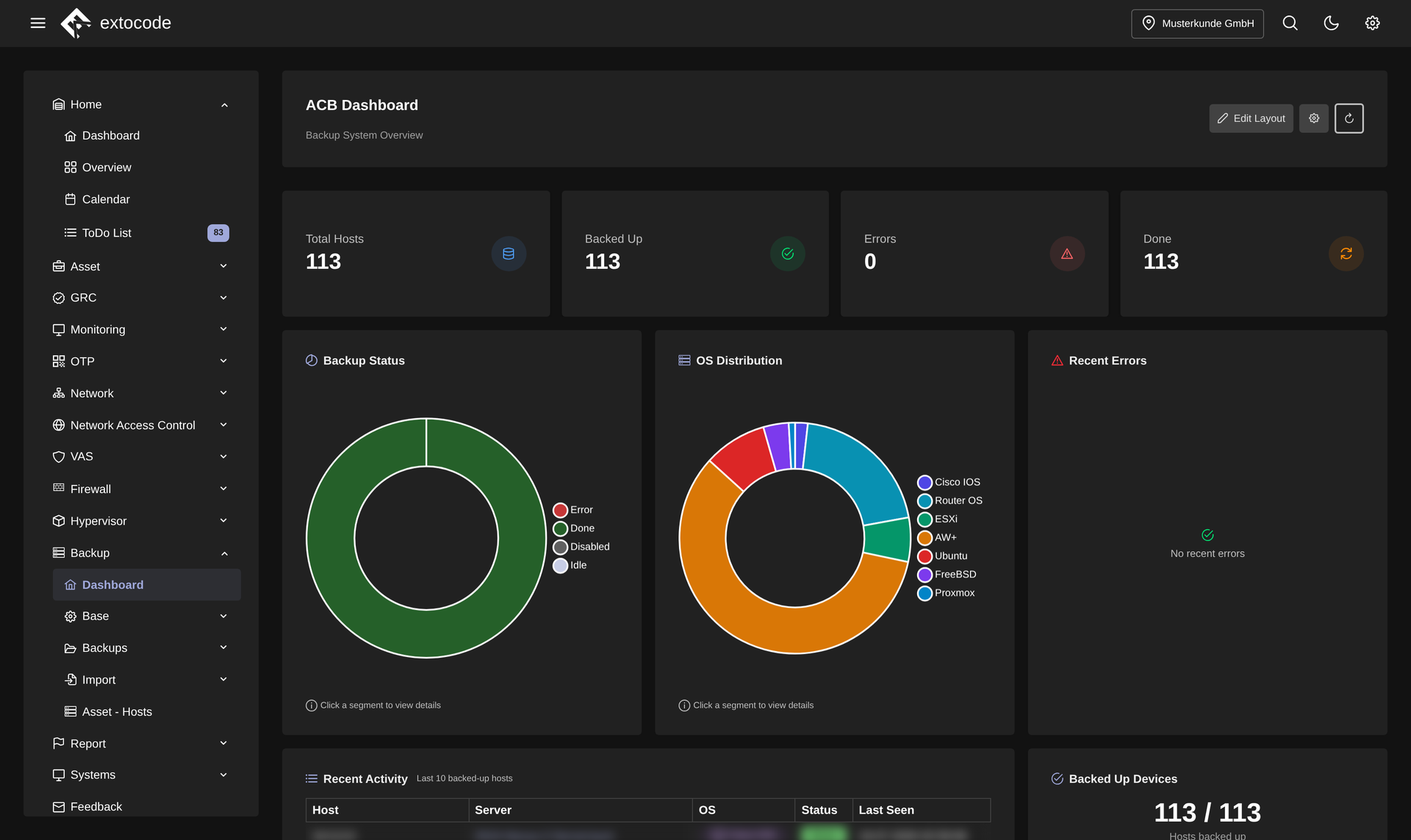
Central instead of scattered
No more clicking through every single device GUI. All config backups run through one unified interface.
- Vendor-independent config backups for network, embedded and Linux/BSD systems
- Organize, monitor and evaluate backup processes in one place
- Multi-tenant: multiple customers, sites or departments in one platform
Flexible cycles and retention
You adapt the backup cadence and retention to your requirements, not the other way around.
- Set backup cycles individually per asset (server, database, application)
- Or roll them out to many assets at once via central templates
- Retention time freely configurable per backup, implementing compliance requirements flexibly
Jump host for unreachable hosts
Even systems in segmented networks are backed up reliably.
- Integrated jump host function for remote systems
- Encrypted, controlled connections reach even assets that cannot be addressed directly
- Segmented networks included
Cross-device comparison
The comparison function puts backup versions side by side, even across devices. That makes every change visible, targeted restores easier and the overall inventory transparent.
CSV bulk import for large inventories
Initial setup and maintenance without tedious one-by-one work.
- Import assets, backup configurations and master data via CSV in a single pass
- Automatic validation and clear mapping
- Saves time when commissioning large inventories
On-premises and KRITIS-ready
The backup module is part of the modular COD platform and shares its architecture.
- Fully deployable on-premises, full control of your data
- Multi-tenant and role-based (LDAP/Active Directory or local users)
- On the same living data set as all COD modules
Frequently asked questions
See the backup module live
Request a live demo and we'll show you the backup module hands-on in your own environment, or download all the details about the COD backup module as a datasheet.